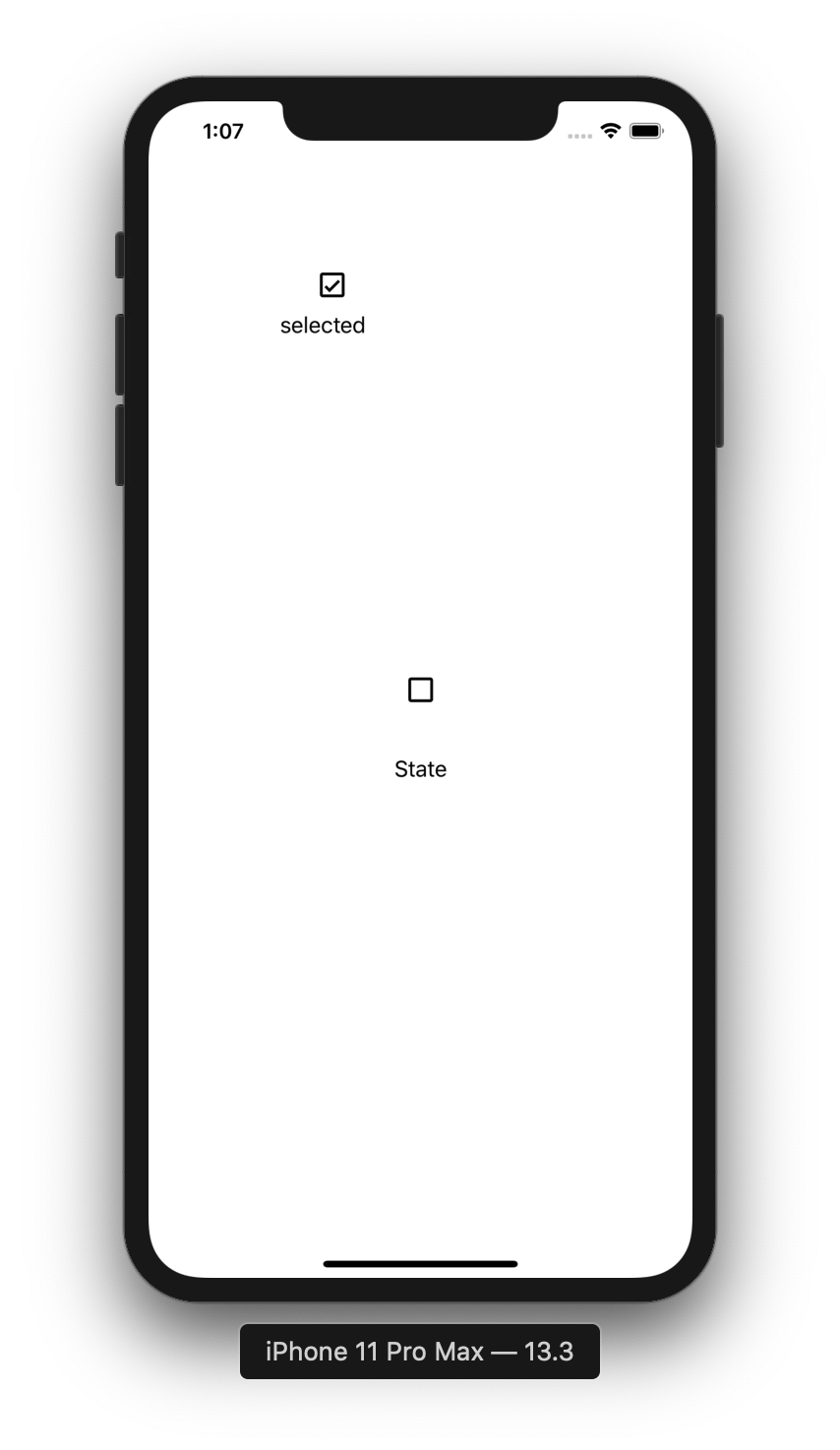
SwiftCheckBox
[](https://travis-ci.org/Ian Magarzo/SwiftCheckBox)


Example
To run the example project, clone the repo, and run pod install from the Example directory first.
Requirements
- iOS 8.0+
- Xcode 11+
- Swift 5.0+
Installation
SwiftCheckBox is available through CocoaPods. To install it, simply add the following line to your Podfile:
pod 'SwiftCheckBox'How to use
The checkbox button can be added programmatically
import SwiftCheckBox

let button = CheckBoxButton(frame: CGRect(x: 100, y: 100, width: 80, height: 80))
let label = UILabel(frame: button.frame.applying(CGAffineTransform(translationX: 0, y: 30.0)))
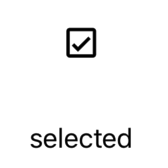
button.selectedBlock = { label.text = $0 ? "selected" : "unselected" }
view.addSubview(button)
view.addSubview(label)
or via storyboard as a custom button
- Add UIButton to the canvas
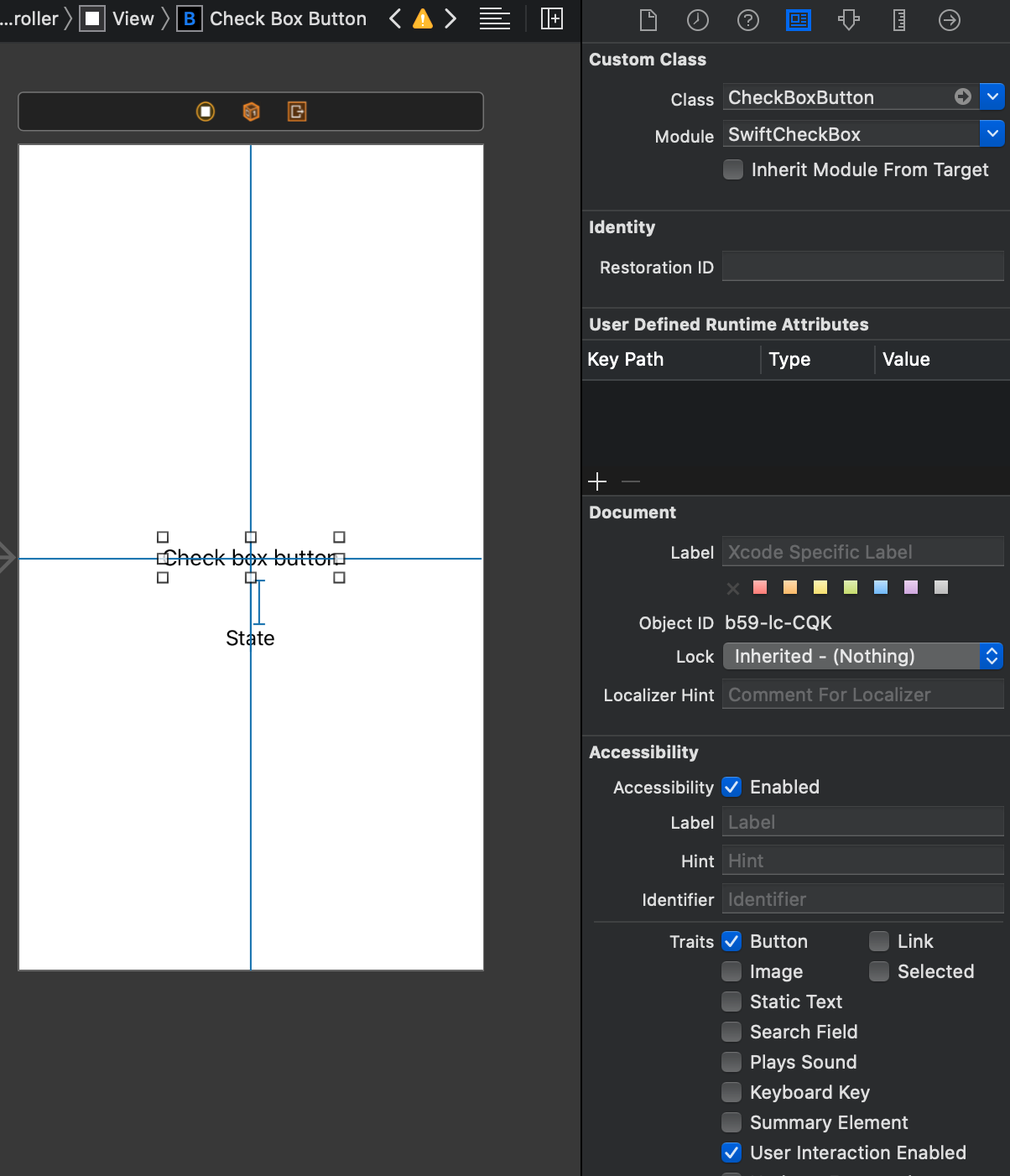
- Change class to CheckBoxButton and Module to SwiftCheckBox
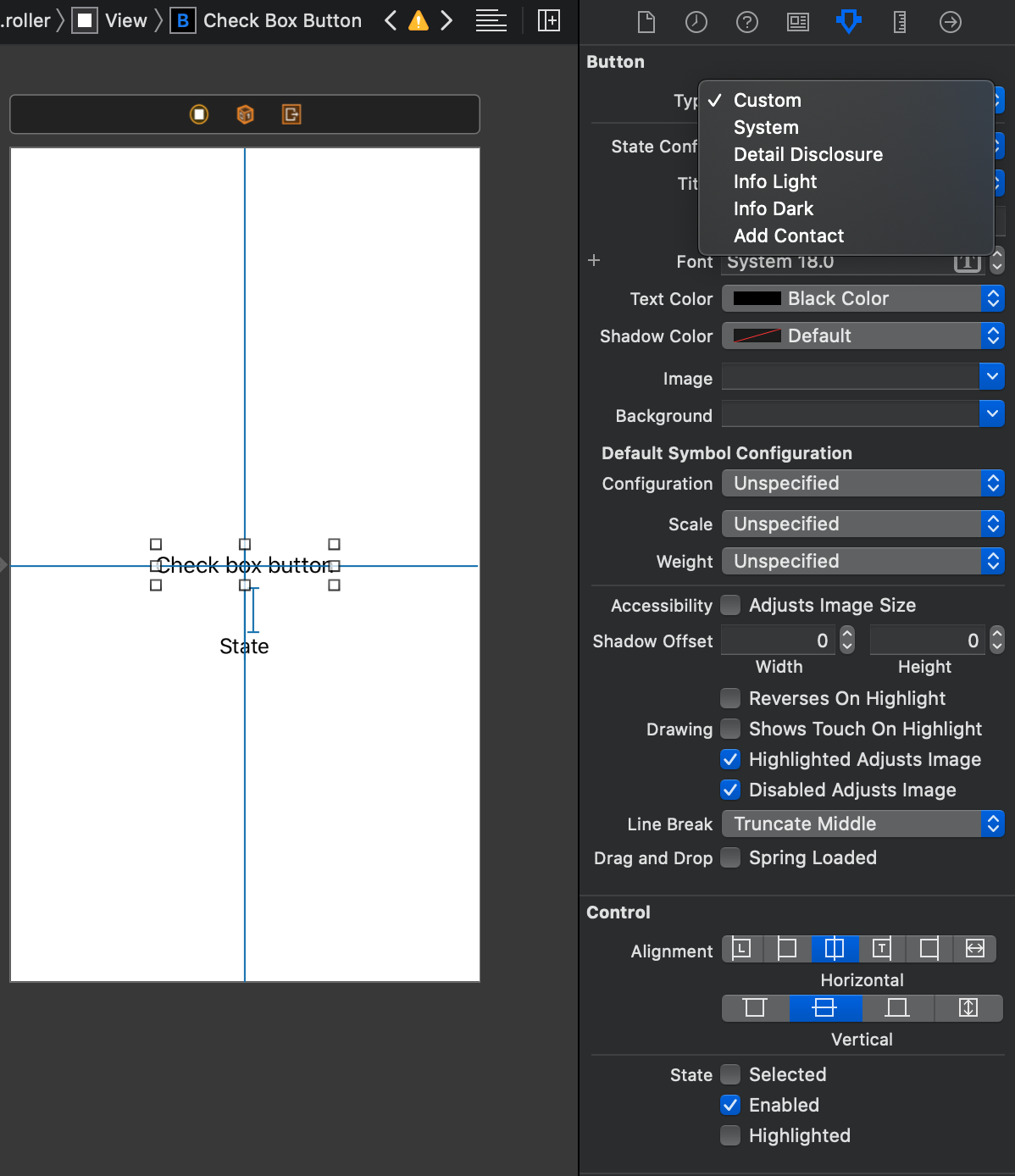
- Navigate to atributes and change Type to Custom
Author
Ian Magarzo, [email protected]
License
SwiftCheckBox is available under the MIT license. See the LICENSE file for more info.