SimplePhotoPicker 0.1.5
| TestsTested | ✗ |
| LangLanguage | SwiftSwift |
| License | MIT |
| ReleasedLast Release | Jun 2016 |
| SPMSupports SPM | ✗ |
Maintained by Asif Bilal.
SimplePhotoPicker 0.1.5
- By
- Asif Bilal
- asifbilal786
SimplePhotoPicker
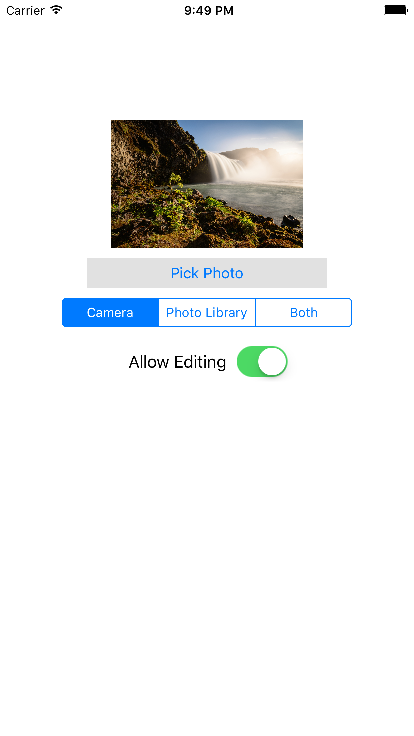
This is the simple photo picker which uses default iPhone SDK with UIImagePickerController. SimplePhotoPicker is a control that optionally takes inputs of Source Type & allow Editing. On the basis of these inputs, this control displays the action sheet if needed and displays the iOS default image editor if selected. It has simple block based implementation. No need to implement delegate methods.
Demo
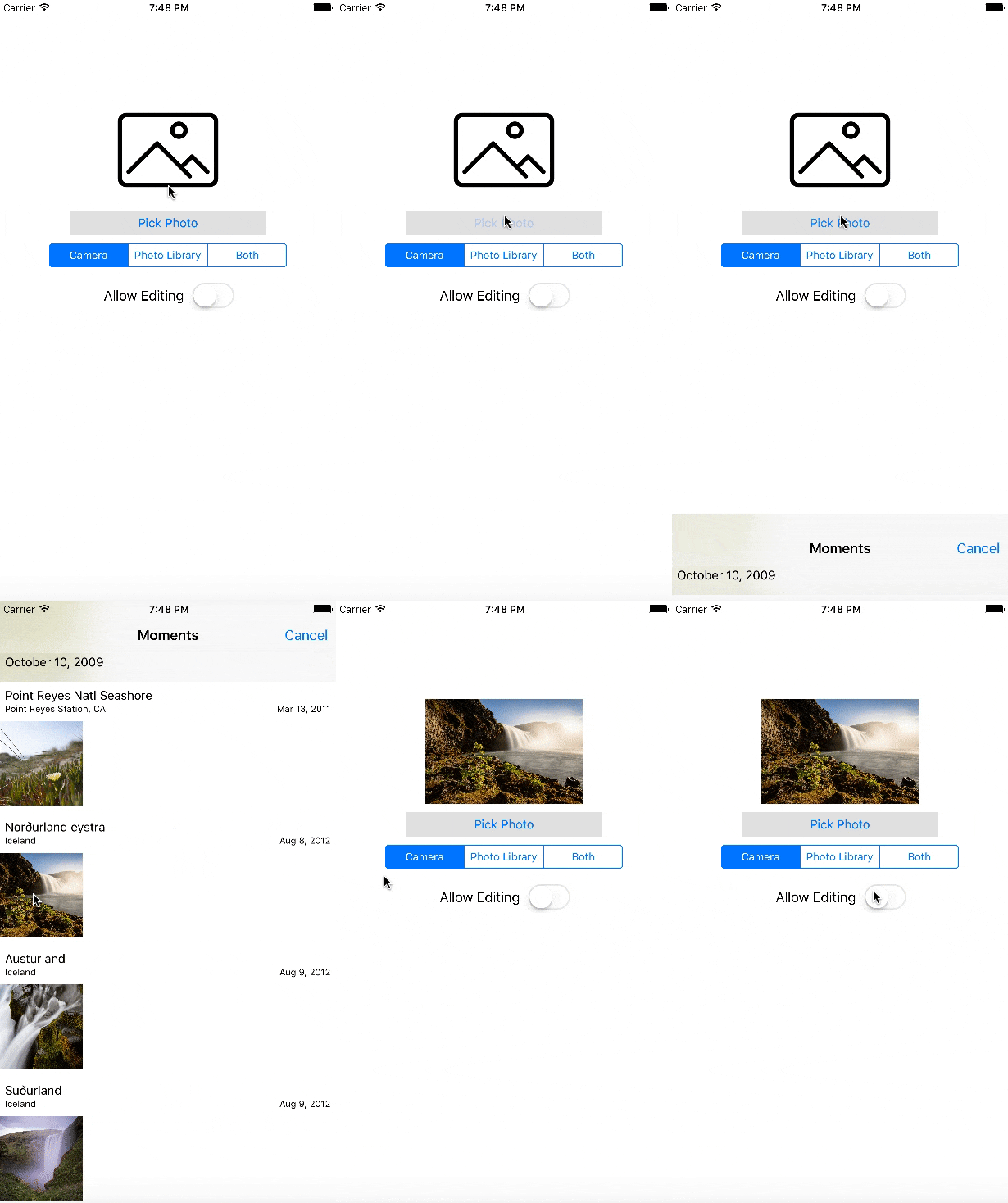
Screenshots
Requirements
- iOS 8 and above.
- Xcode 7 and above
Adding SimplePhotoPicker to your project
METHOD 1:
- Add a pod entry for
SimplePhotoPickerto your Podfile
source 'https://github.com/CocoaPods/Specs.git'
platform :ios, '8.0'
use_frameworks!

pod 'SimplePhotoPicker', '~> 0.1'- Install the pod(s) by running
pod install.
MEHTOD 2: (Source files)
Alternatively, you can directly add file PhotoPicker.swift under the folder PhotoPicker to your project.
- Download the latest code version or add the repository as a git submodule to your git-tracked project.
- Open your Xcode project, then drag and drop
PhotoPicker.swiftdirectory onto your project. Make sure to select Copy items when asked if you extracted the code archive outside of your project.
Usage
Create instance variable of PhotoPicker in your view controller.
private lazy var photoPicker = PhotoPicker()
And then call the pick function with options.
photoPicker.pick(allowsEditing, pickerSourceType: pickerSourceType, controller: self) { (originalPhoto, editedPhoto) in
            if self.allowsEditing { self.imageView.image = editedPhoto}
            else { self.imageView.image = originalPhoto}
        }
See example projects for detail.
License
This code is distributed under the terms and conditions of the MIT license.