ReSwiftMonitor
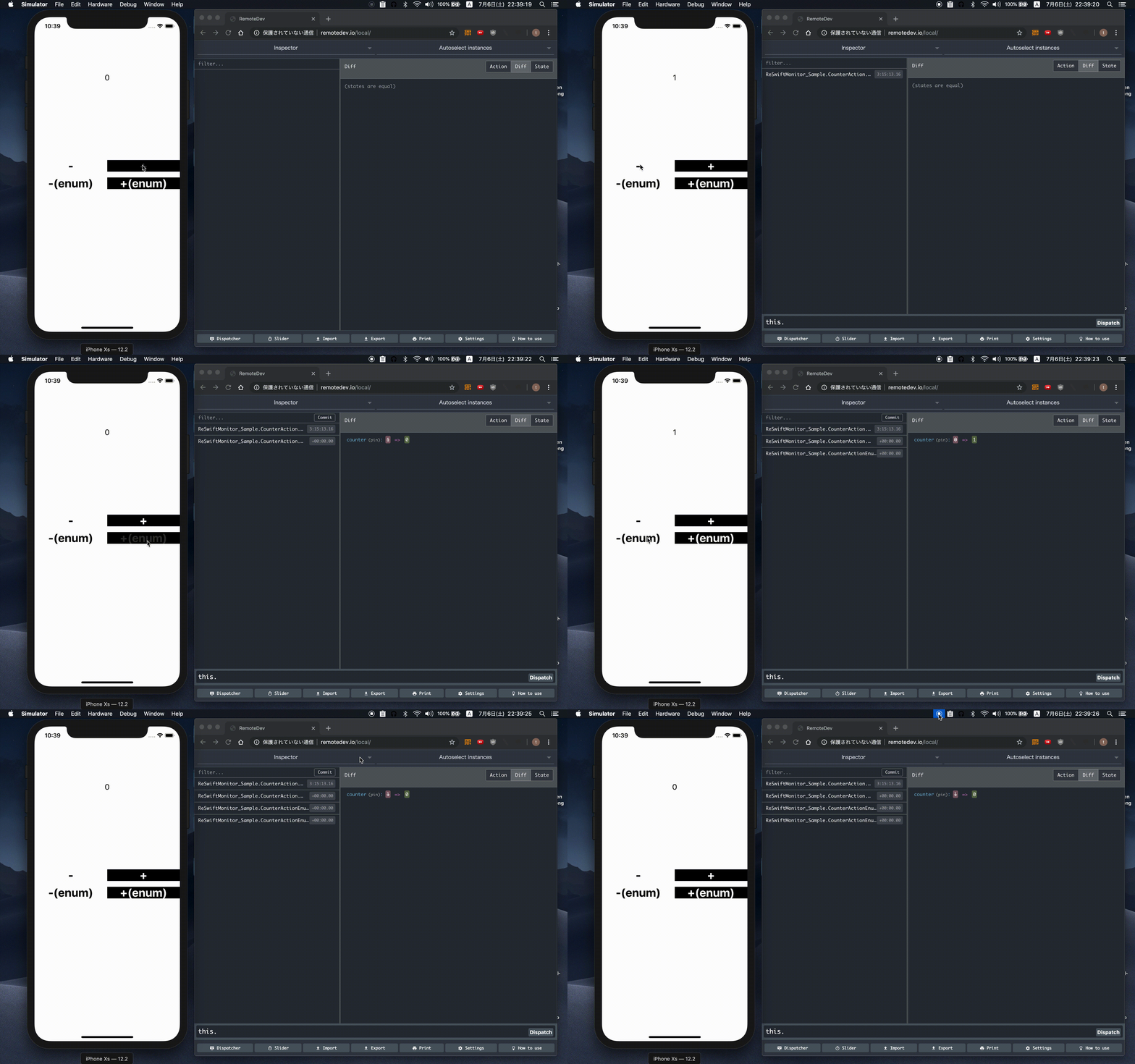
ReSwift middleware that can be used to communicate with redux-dev tools. It has been tested with redux-devtools cli, but it should work with other monitors too. This project is heavily inspired by the katanaMonitor-lib-swift.
Dependencies
Install the redux-devtools cli once:
npm install -g @redux-devtools/cliRun the standalone application (every time you want to use the monitor)
redux-devtools --openProject Integration
The monitor is shipped using Cocoapods.
Pod
Add the pod ReSwiftMonitor
pod 'ReSwiftMonitor', :configurations => ['Debug']Carthage
github "t-osawa-009/ReSwiftMonitor"
The middleware should be used in debug configurations only.
In your application, conditionally add the middleware. Here, for instance, we use the DEBUG macro to conditionally add the middleware in debug configurations only:
var middleware: [Middleware<AppState>] = {
    var _middleware: [Middleware<AppState>] = []
    #if DEBUG
    let monitorMiddleware = MonitorMiddleware.make(configuration: Configuration())
    _middleware.append(monitorMiddleware)
    #endif
    return _middleware
}()

let store = Store<AppState>(reducer: AppState.reducer(), state: AppState(), middleware: middleware)
Usage
- Launch
redux-devtoolsin your terminal - Click
settingsand make sure thatUse custom local serveris selected and the configuration is the proper ones (by default localhost and 8000). This is the UI where actions will appear - Launch your Reswift application
More
- ReSwiftMonitorBrowser ReSwiftMonitor Browser for iOS, Mac OS
Libraries Used
Contributing
There's still a lot of work to do here. We would love to see you involved. You can find all the details on how to get started in the Contributing Guide.
License
ReSwiftMonitor is released under the MIT license. See LICENSE for details.