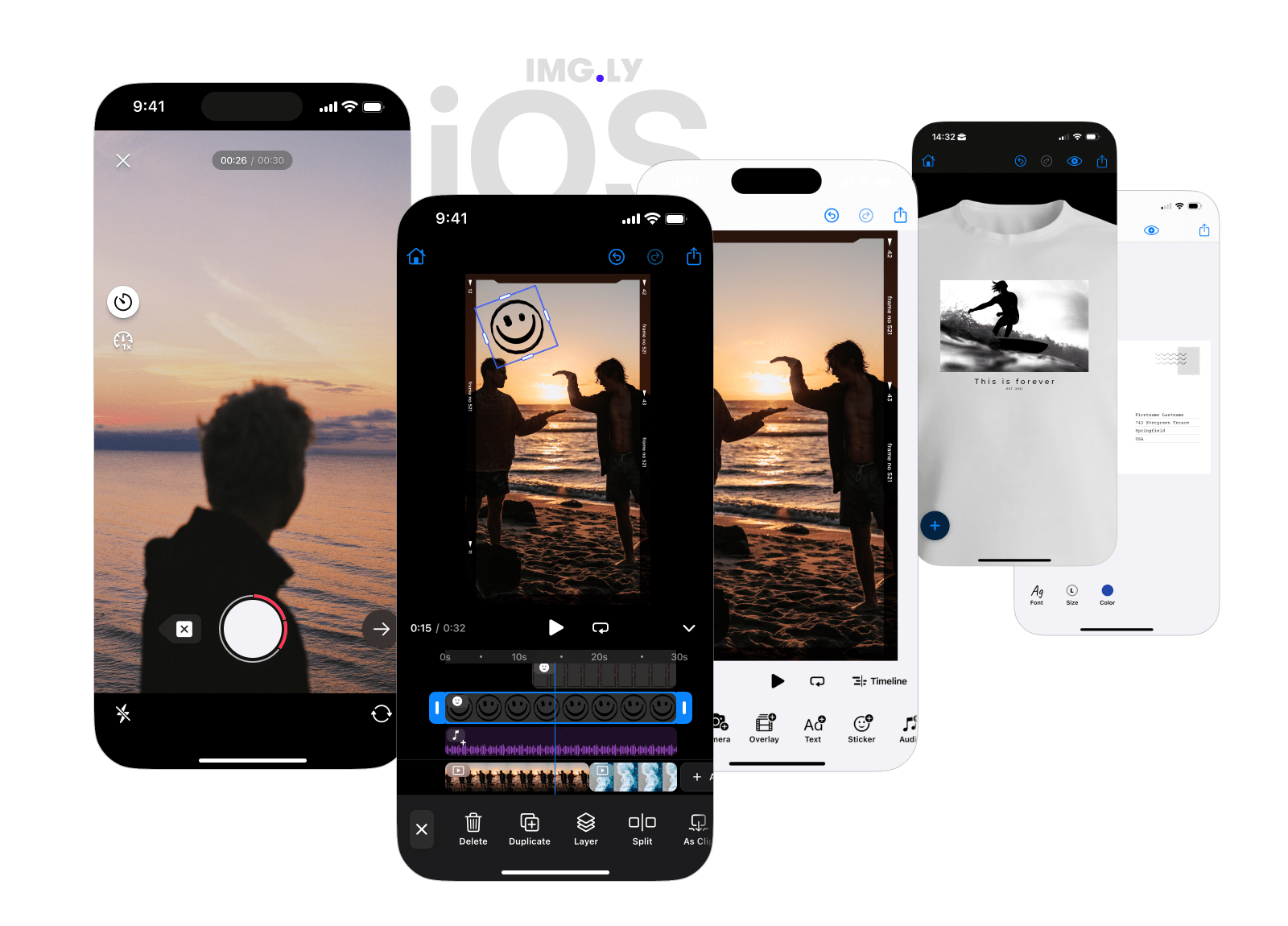
Removes music and background noise from the speech in video and audio clips of the IMG.LY Creative Editor SDK on iOS, on the device.
The plugin adds an Isolate Voice button to the inspector bar of video and audio clips. By default it runs DeepFilterNet3 with ONNX Runtime. No audio leaves the device.
Visit our documentation for more tutorials on how to integrate and customize the editor.
The CreativeEditor SDK is a commercial product. You can purchase a license at https://img.ly/pricing. Alternatively,
you can use nil as the license parameter to run the SDK in evaluation mode with a watermark. The model and the
open-source code the plugin uses are listed in ThirdPartyLicenses.md.
Add the package to your app with Swift Package Manager:
.package(url: "https://github.com/imgly/IMGLYPluginVoiceIsolation-swift.git", from: "x.y.z"),Then add the umbrella library product to your app target:
.product(name: "IMGLYPluginVoiceIsolation", package: "IMGLYPluginVoiceIsolation-swift"),| Library product | Pulls in | Pick when |
|---|---|---|
IMGLYPluginVoiceIsolation (umbrella) |
Core + ONNX | You want IMG.LY's on-device backend. Default. |
IMGLYPluginVoiceIsolationONNX |
Core + ONNX Runtime | You import the modules one by one. |
IMGLYPluginVoiceIsolationCore |
Core only, no ONNX Runtime | You bring your own backend. |
The package takes ONNX Runtime from IMGLYONNXRuntime-swift.
import IMGLYPluginVoiceIsolation

Editor(settings).imgly.configuration {
  VideoEditorConfiguration()
  VoiceIsolationPlugin()
}
The button shows on a selected audio clip, and on a selected video clip whose audio the editor's Separate Audio can
move into an audio clip. The fill/change scope must allow the change. When the user taps it:
- An audio clip plays the cleaned audio in place of its own.
- A video clip first gets the audio track that it plays separated, as with Separate Audio: one new audio clip plays the cleaned audio, and the video clip is muted. A video with more than one audio track gets one cleaned clip, for the track that it plays.
The clip shows the loading state while the model runs. The model runs on one clip at a time: a tap on another clip waits, and a second tap on the clip that runs is ignored. One undo step brings the original audio back. The button stays visible after cleaning. A second tap on a video clip separates and cleans its audio again. The first clean muted the video, so the new audio clip is muted too, as with Separate Audio on a muted video.
inspectorBarModifier moves the button, or leaves it out:
VoiceIsolationPlugin(inspectorBarModifier: { items, button in
  items.addLast { button }
})
To change the button's title, add your title under the key ly_img_plugin_voice_isolation_inspector_bar_button to your
app's Localizable.xcstrings, with a value for each language that your app supports. The plugin ships English and
German titles.
The model is four files of 8.6 MB in total. The default backend downloads them from IMG.LY's CDN when the editor opens
and keeps them in the app's caches directory. IMGLYVoiceIsolationConfiguration changes where they come from and when:
VoiceIsolationPlugin(configuration: IMGLYVoiceIsolationConfiguration(
  modelBaseURL: Bundle.main.url(forResource: "DeepFilterNet3", withExtension: nil)!, // ships the model with the app
  loadMode: .lazy, // or .eager (default)
))modelBaseURLis a folder withenc.onnx,erb_dec.onnx,df_dec.onnxandconfig.ini. Afile://URL loads the model from your app and skips the download. Anhttps://URL with the same files hosts the model yourself..eagerloads the model when the editor opens, so the first tap does not wait for the download..lazyloads it on the first tap.
The default backend cleans each channel at 48 kHz, so stereo stays stereo. It processes the audio in short pieces, so a clip of any length works and the memory does not grow with it. The plugin cleans the clip's whole audio file, not the trimmed part. The cleaned file of one minute of stereo audio takes about 11 MB, and the run needs at least as much again for temporary files, plus a copy of the audio track of a video clip, or of the audio of an audio clip that does not play a local file.
Each cleaned clip plays a local WAV file (16-bit, 48 kHz, mono or stereo as the source) in the
ly.img.plugin.voiceIsolation folder of the app's Application Support directory. The plugin deletes none of these
files, also not after an undo, because a redo or a saved scene can play them again. Delete the files that no scene of
your app refers to. The scene keeps the absolute file URL, and iOS can move the app's container when it updates the
app, so save a scene that you keep with engine.scene.saveToArchive(), or move the files as below.
The plugin uploads nothing. To keep a scene that you save or send elsewhere playable, upload the files and point the scene at them, for example when the editor exports:
for url in try engine.editor.findAllMediaURIs() where url.isFileURL {
  let uploaded = try await upload(url) // your upload
  try engine.editor.relocateResource(currentURL: url, relocatedURL: uploaded)
}isolateVoice(of:engine:) cleans a clip wherever you have the engine, for example in onCreate or before an export.
A video clip gets its audio separated first, as with the button. The call returns the cleaned audio clip when it is in
the scene, and throws its errors. Call it on the plugin instance that you add to the editor, so that the call and the
button share one model. canIsolateVoice(of:engine:) tells whether a block can be cleaned.
Unlike the button, the call does not wait for other runs, shows no loading state and adds no undo step, so you decide:
- Calls that you start together decode their audio at the same time, and each needs its own temporary files. The default backend runs its model on one clip after the other; a server backend can clean many clips at once.
- Set the clip's state to
.pending(progress:)before the call and back to.readywhen it returns or throws, to show the loading state. - Call
engine.editor.addUndoStep()after the call to make the change an undo step of its own.
This example cleans the first clip when the editor creates its scene:
let voiceIsolation = VoiceIsolationPlugin()

Editor(settings).imgly.configuration {
  VideoEditorConfiguration { builder in
    builder.onCreate { engine, _ in
      try await VideoEditorConfiguration.defaultOnCreate()(engine)
      guard let clip = try engine.block.find(byType: .graphic)
        .first(where: { VoiceIsolationPlugin.canIsolateVoice(of: $0, engine: engine) }) else { return }
      do {
        _ = try await voiceIsolation.isolateVoice(of: clip, engine: engine)
      } catch {
        print("Could not isolate the voice: \(error.localizedDescription)")
      }
    }
  }
  voiceIsolation
}
Each call cleans the clip again, also a clip that is already clean, so call it once for each clip.
Without onError, the button logs its errors under the subsystem ly.img.plugin.voiceIsolation. With it, your app
shows them:
VoiceIsolationPlugin(onError: { error in
  errorMessage = error.localizedDescription
})
The errors are VoiceIsolationError cases, such as .modelDownloadFailed when the device is offline on the first
use, and .processingFailed when AVFoundation cannot read the audio. IMG.LY's backend reports a failed download or
load of its model as .modelDownloadFailed and a failed clean as .processingFailed, with the cause in
failureReason. The other errors of the engine, AVFoundation, the network connection and the file system reach
onError and the block call as they are, and so do the errors of your own backend. The button reports no error when
the user changes or deletes the clip while it runs.
Conform to VoiceIsolationProvider to use another model, a server or a commercial service:
import IMGLYPluginVoiceIsolationCore

struct ServerVoiceIsolation: VoiceIsolationProvider {
  func isolateVoice(from input: URL, to output: URL) async throws {
    // Send `input`, write the result to `output`.
  }
}

struct ServerConfiguration: VoiceIsolationConfiguration {
  let provider: any VoiceIsolationProvider = ServerVoiceIsolation()
}

VoiceIsolationPlugin(configuration: ServerConfiguration())
input is a 16-bit PCM WAV file at 48 kHz, mono or stereo as the clip: more channels arrive as stereo. Write
output with the same length, otherwise the clip's trim and its sync with the video shift. To run your own model before
IMG.LY's, write its result in the format of input and pass that file to
IMGLYVoiceIsolationProvider().isolateVoice(from:to:). Implement prewarm() for a warm-up that the plugin runs when
the editor opens.
To keep up-to-date with the latest changes, visit CHANGELOG.