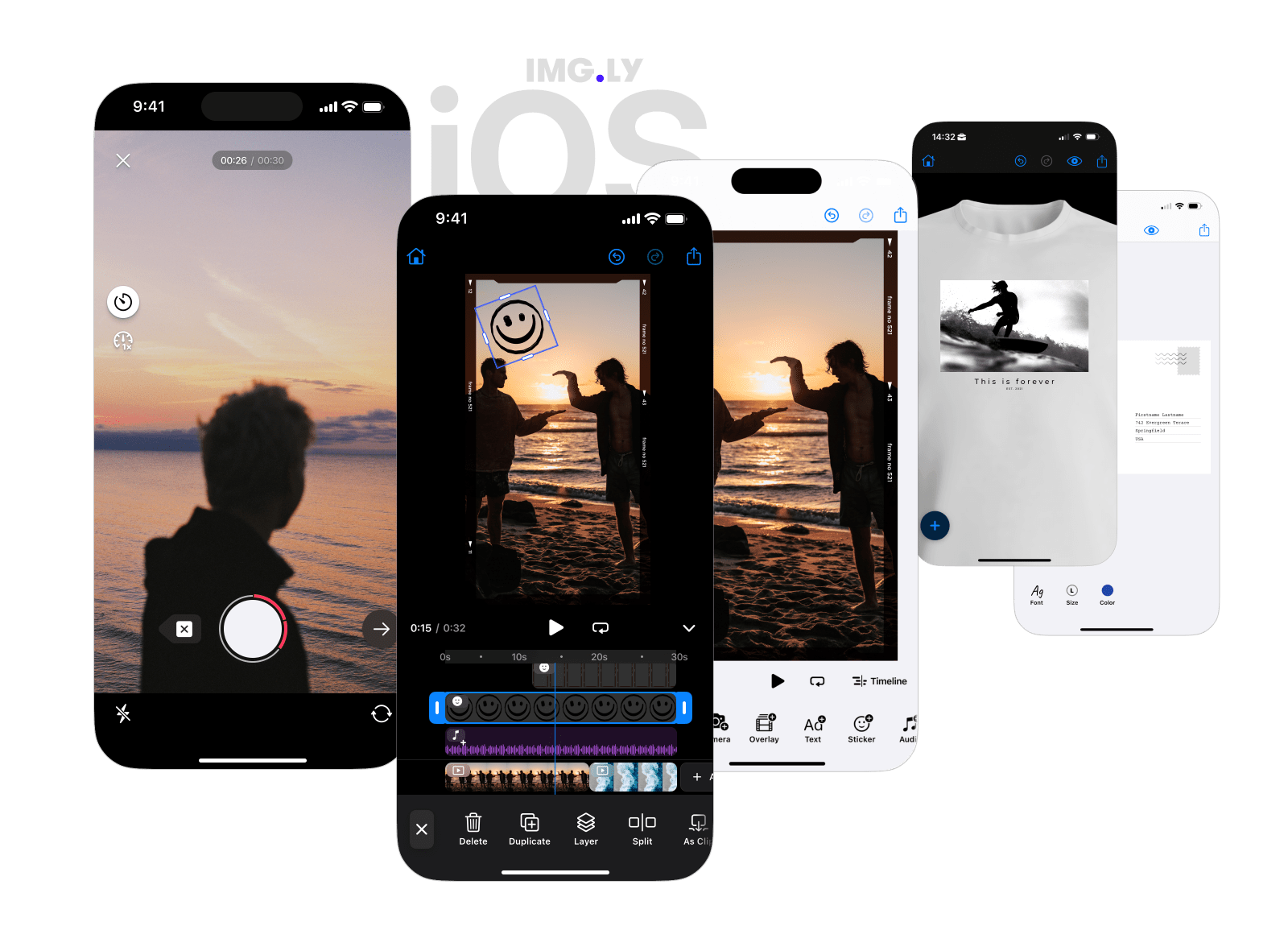
AI-powered background removal for the IMG.LY Creative Editor SDK on iOS — fully on-device, ANE-accelerated, drop-in.
A single line adds a one-tap dock button to the editor. The user taps it, the subject is cut out, the background goes transparent — no servers, no API keys, no per-image cost.
Visit our documentation for more tutorials on how to integrate and customize the editor for your specific use case.
The CreativeEditor SDK is a commercial product. You can purchase a license at https://img.ly/pricing. Alternatively, you can use nil as the license parameter to run the SDK in evaluation mode with a watermark.
- One-line integration. Add
BackgroundRemovalPlugin()to your editor configuration. That's the whole API. - ANE-accelerated by default. Runs IS-Net on the Apple Neural Engine in the default FP16 configuration — the same model that powers IMG.LY's web background removal.
- Two built-in backends. Pick IMG.LY's general-purpose IS-Net model, Apple Vision's people-only segmentation (zero download, zero compilation latency), or plug in your own.
- Modular install. Want only one backend? Depend on a sub-library and skip the ~20 MB onnxruntime binary.
Add the package to your app via Swift Package Manager:
.package(url: "https://github.com/imgly/IMGLYPluginBackgroundRemoval-swift.git", from: "x.y.z"),Then add the umbrella library product to your app target:
.product(name: "IMGLYPluginBackgroundRemoval", package: "IMGLYPluginBackgroundRemoval-swift"),Need to keep your app slim? Depend on a single backend instead:
| Library product | Pulls in | Pick when |
|---|---|---|
IMGLYPluginBackgroundRemoval (umbrella) |
Core + ONNX + Vision | You want both backends available with a single import. Default. |
IMGLYPluginBackgroundRemovalONNX |
Core + ONNX + onnxruntime XCFramework (~20 MB) | You only want IS-Net. |
IMGLYPluginBackgroundRemovalVision |
Core + Vision wrapper (~kilobytes) | You only want Apple Vision (people-only). Skips the onnxruntime binary. |
IMGLYPluginBackgroundRemovalCore |
Core only | You're implementing a fully custom backend. |
import IMGLYPluginBackgroundRemoval

Editor(settings).imgly.configuration {
  PhotoEditorConfiguration()
  BackgroundRemovalPlugin() // IMG.LY backend by default
}
That's it. The button appears in the editor's dock. Tapping it runs background removal on the current page's image fill and replaces the fill with the masked result — undo/redo are wired up for free.
The zero-arg initializer defaults to IS-Net FP16 on the Apple Neural Engine. The model is downloaded from IMG.LY's CDN on first use (~84 MB, cached on disk) and CoreML-compiled in the background as soon as the editor is being presented, so the first user tap is near-instant.
@State var errorMessage: String?

Editor(settings).imgly.configuration {
  PhotoEditorConfiguration()
  BackgroundRemovalPlugin(onError: { error in
    errorMessage = error.localizedDescription
  })
}
.alert("Background Removal Error", isPresented: .constant(errorMessage != nil)) {
  Button("OK") { errorMessage = nil }
} message: {
  Text(errorMessage ?? "")
}
Without onError, failures are logged via os_log under subsystem ly.img.plugin.backgroundRemoval.
BackgroundRemovalPlugin(configuration: VisionBackgroundRemovalConfiguration())Perfect for portrait-heavy apps. No model download, no CoreML compilation latency, the smallest binary and memory footprint of any backend.
BackgroundRemovalPlugin(configuration: IMGLYBackgroundRemovalConfiguration(
  model: .fp32,                 // or .fp16 (default)
  modelBaseURL: customCDN,      // defaults to IMG.LY's CDN
  loadMode: .lazy,              // or .eager (default)
))
model: Model—.fp16or.fp32. For typical use,.fp16produces visually indistinguishable output at half the bytes on the wire.modelBaseURL: URL— defaults to IMG.LY's CDN. Pass afile://URL pointing at a directory containing{model.rawValue}(e.g.isnet_fp16.onnx) to ship the model with your app and skip the download. Customhttps://URLs with the same layout work for self-hosting.loadMode: LoadMode—.eager(default; downloads and compiles when the editor is being presented so the first tap is instant) or.lazy(waits until the first user tap to save bandwidth if the feature goes unused).
Roll a custom segmentation backend — a server-side service, a different on-device model, a stub for tests — by conforming to two protocols:
import UIKit
import IMGLYPluginBackgroundRemoval

struct ServerSideProvider: BackgroundRemovalProvider {
  func removeBackground(from image: UIImage) async throws -> UIImage {
    // POST `image` to your server, stream back the masked image, return it.
  }
}

struct ServerSideConfiguration: BackgroundRemovalConfiguration {
  let provider: any BackgroundRemovalProvider = ServerSideProvider()
}

BackgroundRemovalPlugin(configuration: ServerSideConfiguration())
The plugin handles dock integration, processing state, undo/redo wiring, and error surfacing. Your code just produces the masked image.
If your backend benefits from a warm-up (model download, TLS handshake, auth token fetch), implement prewarm() on your provider. The plugin calls it from the editor's onCreate lifecycle hook on every presentation.
The full documentation lives at img.ly/docs/cesdk. The background-removal guide walks through dock integration, configuration, and common patterns across iOS, Android, and web.
To keep up-to-date with the latest changes, visit CHANGELOG.