CountdownView 0.1.2
| TestsTested | ✗ |
| LangLanguage | SwiftSwift |
| License | MIT |
| ReleasedLast Release | Mar 2017 |
| SwiftSwift Version | 3.0 |
| SPMSupports SPM | ✗ |
Maintained by Tolgahan Arikan.
CountdownView 0.1.2
- By
- Tolgahan Arikan
- tolgahanarikan
CountdownView
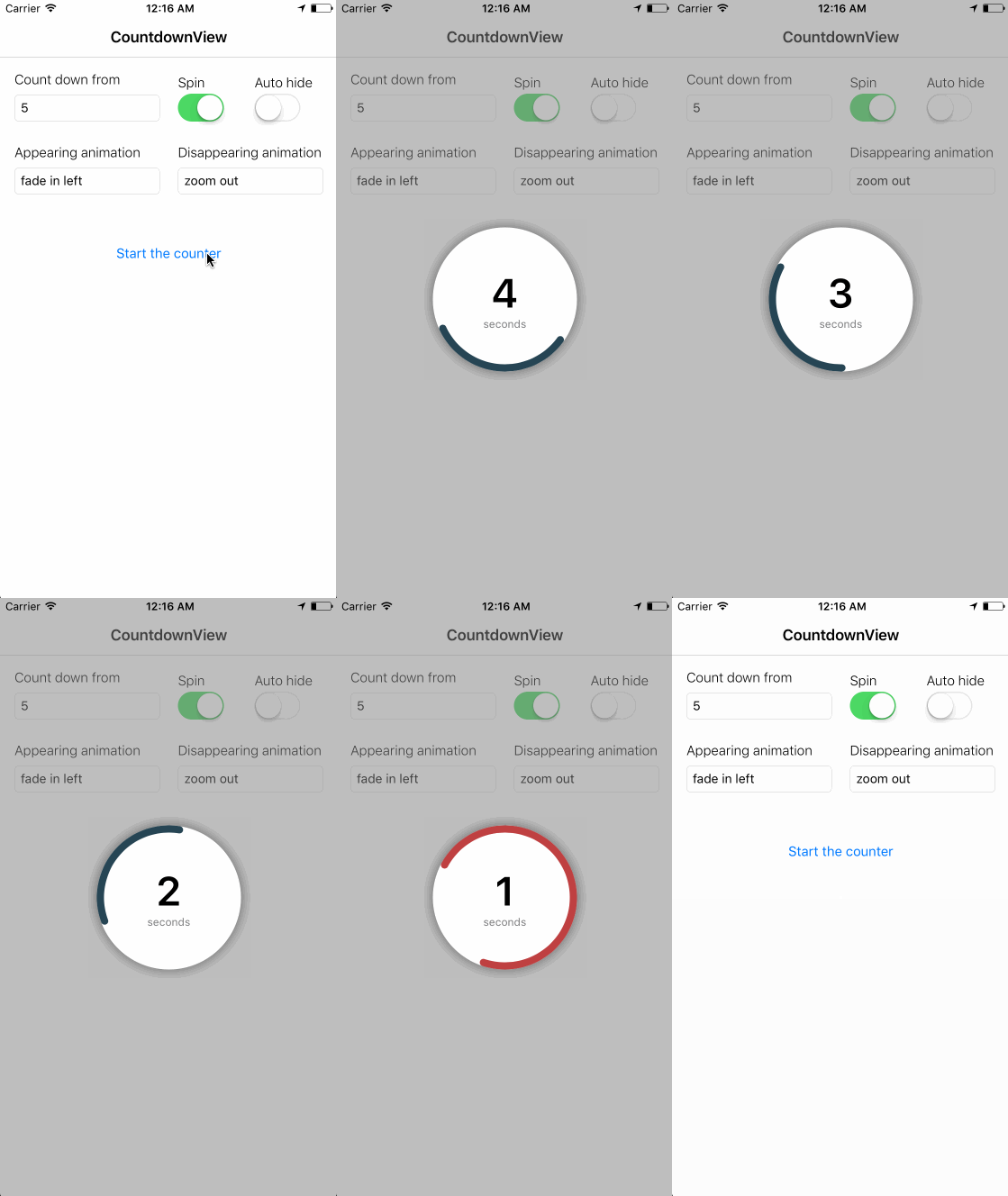
Preview
Installation
CountdownView is available through CocoaPods. To install it, simply add the following line to your Podfile:
pod "CountdownView"Usage
-
import the pod
import CountdownView
-
use the basic show method or the one with completion block and automatic hiding
CountdownView.show(countdownFrom: Double, spin: Bool, animation: Animation)
CountdownView.show(countdownFrom: Double, spin: Bool, animation: Animation, autoHide: Bool, completion: (()->())?)
-
hide if you didn’t use auto hiding
CountdownView.hide(animation: Animation, options: (duration: Double, delay: Double), completion: (()->())?)
Animation options
- fadeIn
- fadeOut
- fadeInLeft
- fadeInRight
- fadeOutLeft
- fadeOutRight
- zoomIn
- zoomOut
Requirements
- iOS 9.0+
- Swift 3+
- ARC
License
CountdownView is available under the MIT license. See the LICENSE file for more info.