NADocumentPicker





NADocumentPicker encapsulates UIKit document picker UI allowing the user to select iCloud documents (and Google Drive, One Drive, etc), with a simple Future based API:
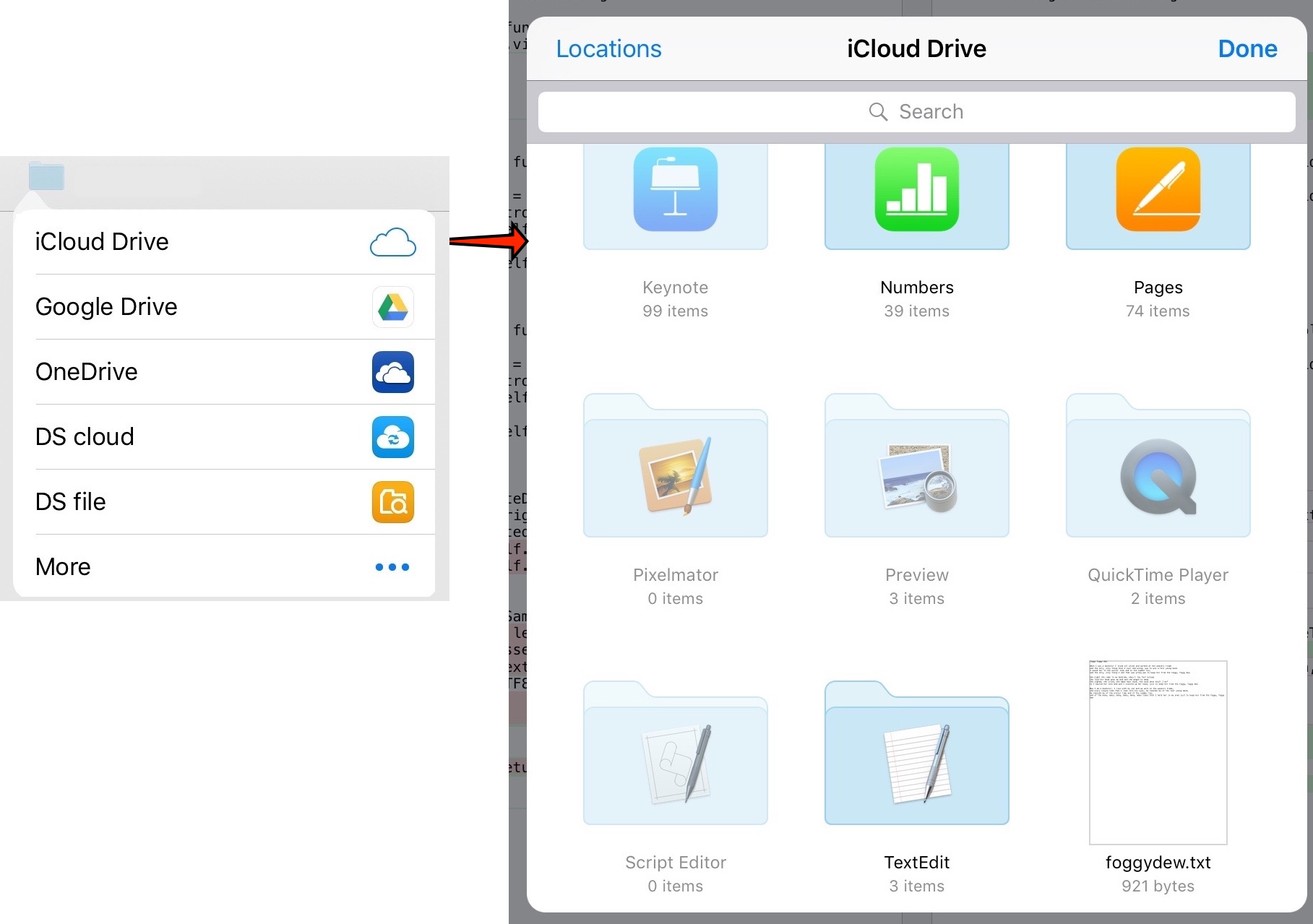
Usage
NADocumentPicker.show(..) returns a Future . Hooking into onSuccess provides the URL of the file choosen by the user:
@IBAction func pickerButtonPressed(sender: UIButton) {
    let urlPickedfuture = NADocumentPicker.show(from: sender, parentViewController: self)

    urlPickedfuture.onSuccess { url in
        print("URL: \(url)")
    }
}
You can try-out NADocumentPicker demo project by using the cocoapod try option as:
$ pod try NADocumentPicker
Installation
NADocumentPicker is available through CocoaPods. To install it, simply add the following line to your Podfile:
pod "NADocumentPicker"Configuration
You need to ensure you give your application the following entitlements:
- iCloud entitlement
- iCloud containers entitlement
See below:

If you haven't added these entitlements you will have a runtime exception as:
Application initializing document picker is missing the iCloud entitlement. Is com.apple.developer.icloud-container-identifiers set?
Author
Nick Ager, [email protected]
License
NADocumentPicker is available under the MIT license. See the LICENSE file for more info.
For more detail see http://nickager.com/blog/2016/03/07/DocumentPicker